GL-E5800
Mudi 7
Battery-equipped 5G and Wi-Fi 7 router.
Worth considering for: Travel where a compatible mobile data plan is your connection.
View official details ↗
Search scripts, guides, tools and plain-English explanations.
Descriptions are searchable. Opening a result does not unlock paid content or use a weekly script choice. Search text stays in this browser.
TRAVEL · HOME · REMOTE ACCESS
Explore travel routers, home networking and remote-access hardware. Choose the job first, then compare the device.
Explore GL.iNet ↓Before you buyGL.iNet makes networking hardware. A router still needs an internet connection; VPN features may also require a separate service or your own server.
FIND YOUR FIT
Selected products and categories, checked 20 October 2026. Check current specifications, prices and availability with the provider.
GL-E5800
Battery-equipped 5G and Wi-Fi 7 router.
Worth considering for: Travel where a compatible mobile data plan is your connection.
View official details ↗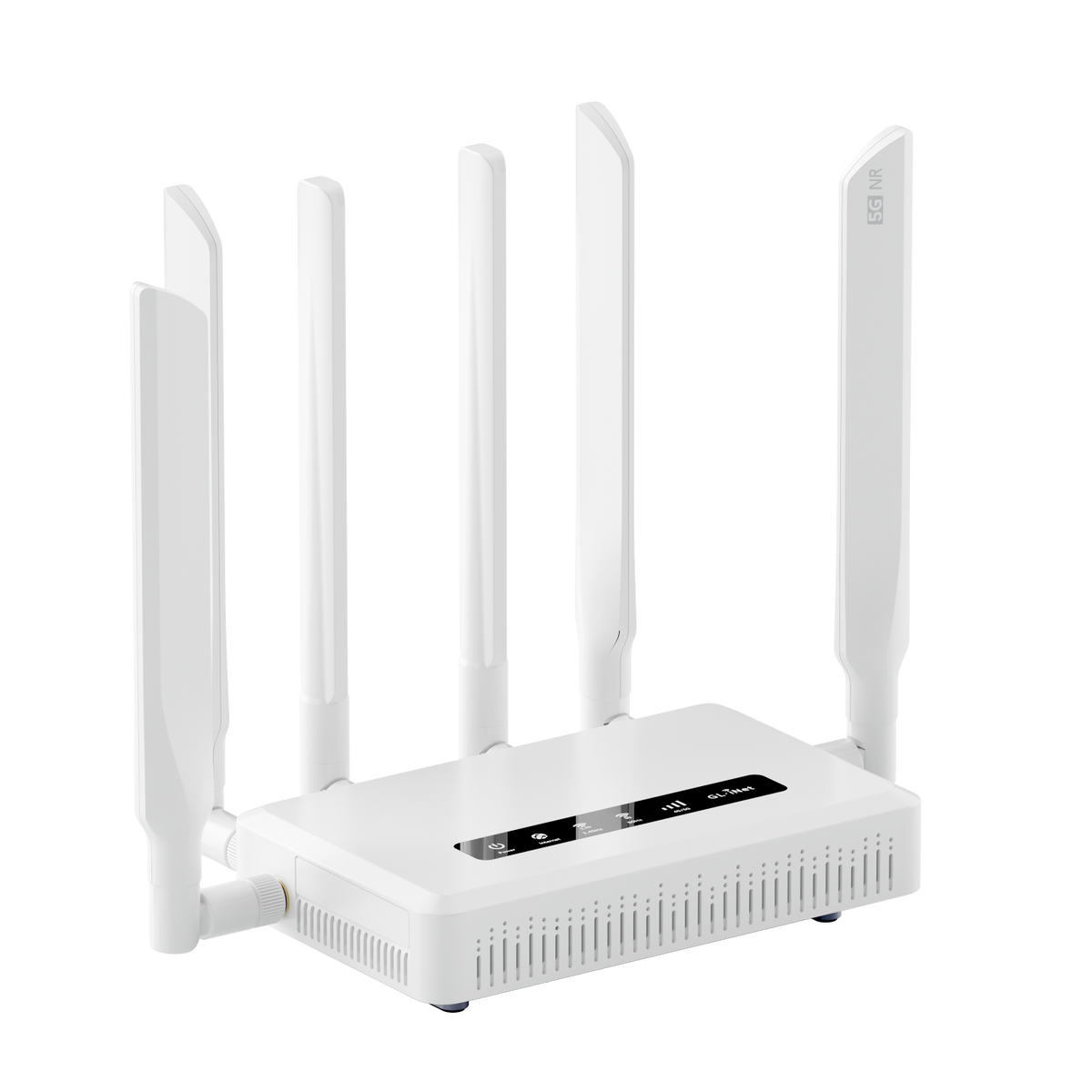
GL-X3000
Wi-Fi 6 cellular gateway with dual-SIM support.
Worth considering for: A mobile-network connection for a fixed or travelling setup.
View official details ↗GL-BE14000
A Wi-Fi 7 home router in the Flint family.
Worth considering for: Comparing options for a home-network upgrade.
View official details ↗Mini routers · IoT · Accessories
The catalogue also includes mini routers, IoT gateways, mobile-data products and accessories.
Worth considering for: Checking specialist needs and compatible extras.
View official details ↗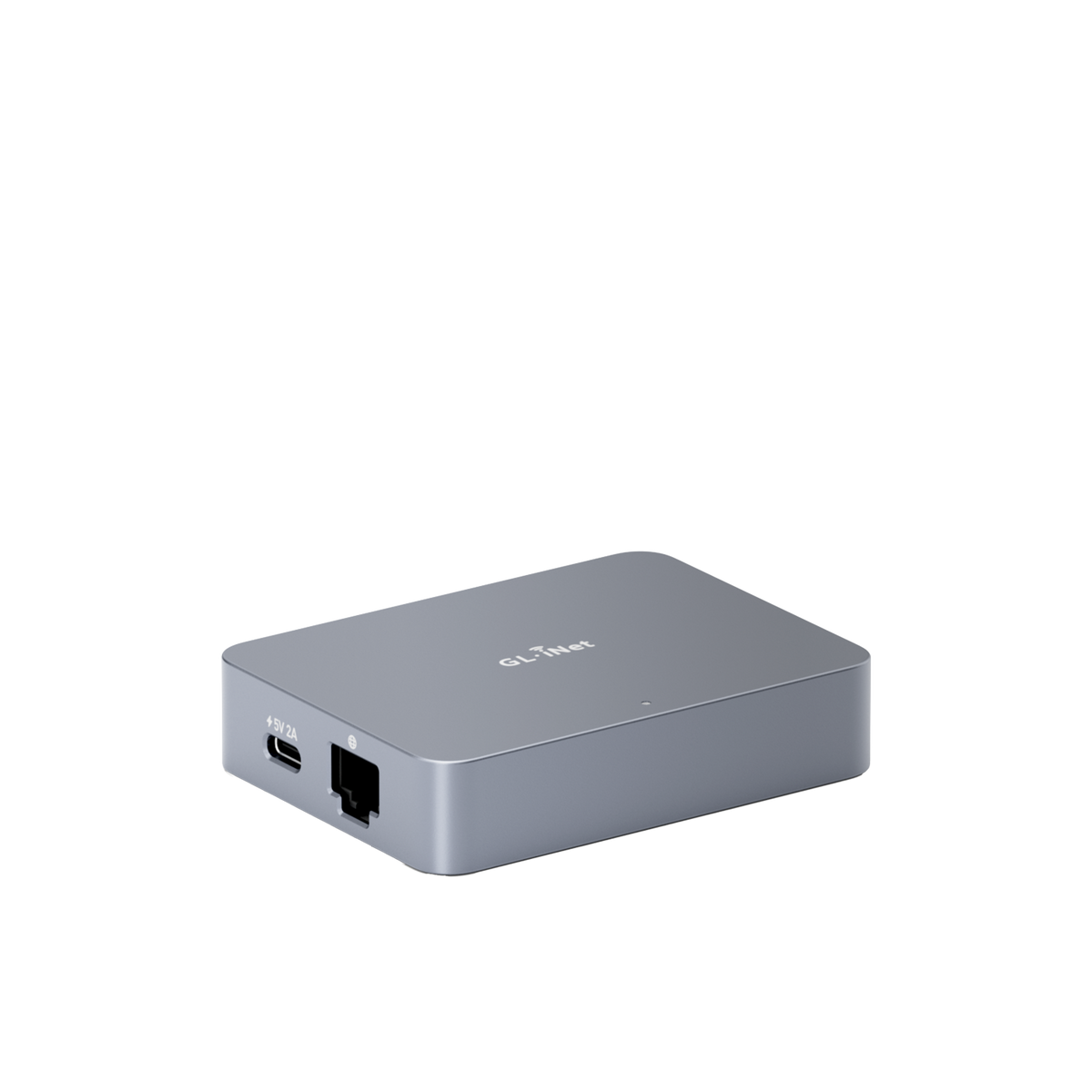
GL-RM1
A remote keyboard, video and mouse device for accessing a connected computer.
Worth considering for: Managing your own machine when you are away.
View official details ↗GL-MT5000
A dedicated VPN gateway in the Brume range.
Worth considering for: Adding a gateway to a planned network layout.
View official details ↗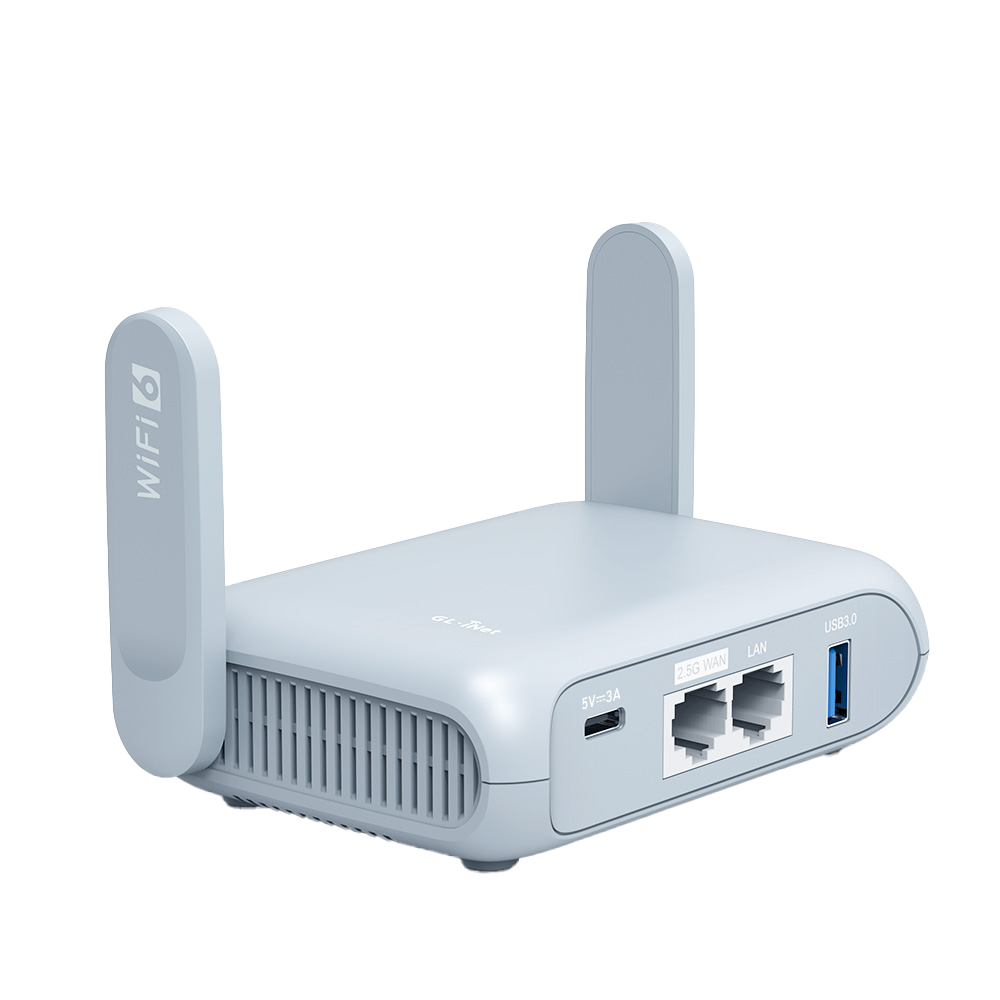
GL-MT3000
A pocket-sized Wi-Fi 6 travel router with a 2.5G port.
Worth considering for: Sharing a connection between your travel devices.
View official details ↗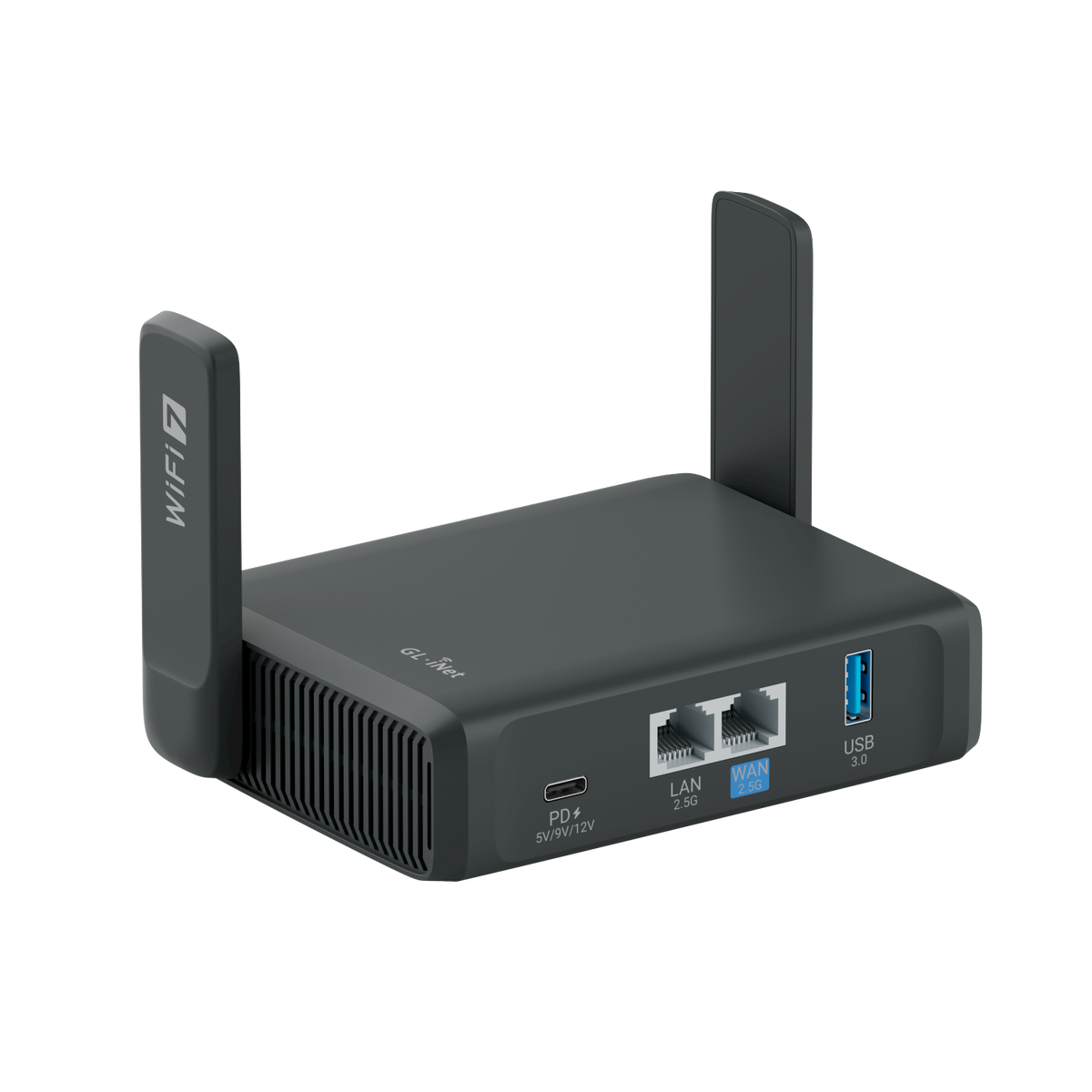
GL-BE3600
Dual-band Wi-Fi 7 travel router with a touchscreen.
Worth considering for: A portable setup with on-device controls.
View official details ↗BUY WITH CONFIDENCE
No. You need a compatible upstream connection. Cellular models also need a suitable SIM and data plan.
No. These are different products and ecosystems. Compare the connection you need, the privacy features you want and any ongoing service costs.
Check your organisation’s policy first. Only connect or configure equipment you are authorised to manage.
Product information is based on the provider’s own listings, not hands-on testing. Specifications and plans can change.
GL.iNet official catalogue and current details ↗Product cards link to their source pages. Manufacturer photos, where shown, belong to the respective manufacturer; symbolic artwork is illustrative.
Try the practical guides before buying replacement equipment.
Device and connectivity guides → Find a fix by symptom →